Most city building games never make it to consoles. They’re buried in PC launchers, tangled in mouse-and-keyboard controls, or trapped in niche communities. But PlayStation players deserve more—games that merge creative freedom with console-friendly mechanics, where urban design becomes both a challenge and a joy. The truth? A handful of standout titles have bridged that gap, offering deep simulation, intuitive control schemes, and the satisfaction of watching a city evolve from dirt roads to skylines.
These aren’t just scaled-down versions of PC originals. The best city builders on PlayStation understand the platform’s strengths: accessibility, controller optimization, and visual polish. Whether you’re managing resources on a desolate planet or rebuilding civilization after collapse, the right game turns every decision into a meaningful act of creation.
Let’s break down the titles that deliver on depth, usability, and long-term engagement—without requiring a PhD in urban economics.
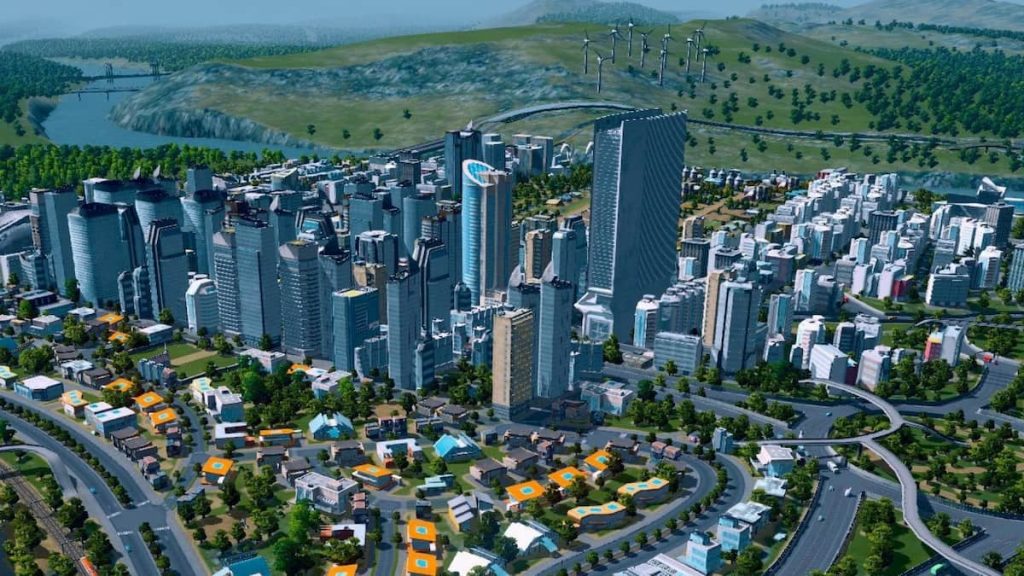
Cities: Skylines – The Console Standard
Cities: Skylines was built for PC, but its console adaptation proves that city building can thrive on PlayStation. With refined controller support, streamlined UI, and performance-optimized zones, it’s the most complete urban simulation available on PS4 and PS5.
You start with a blank map and a modest budget. Roads come first—placement matters. Misaligned intersections cause traffic jams that ripple through your city, killing your economy and lowering citizen happiness. You’ll quickly learn that a well-designed grid beats haphazard sprawl every time.
Key Features That Work on Console
- Dual-stick camera control for smooth panning and zooming
- Radial menus that reduce button overload
- Mod support (limited but growing via community content)
- Disaster scenarios (available in the Natural Disasters DLC)
Real-world tip: Start small. Many players over-zone residential areas early, leading to housing surges with no jobs or transit. Balance your zones and invest in public transport before expanding.
Limitation? The console version lacks some modding depth and has fewer simultaneous AI citizens than PC. But for a controller-based city builder, it’s unmatched in scope.
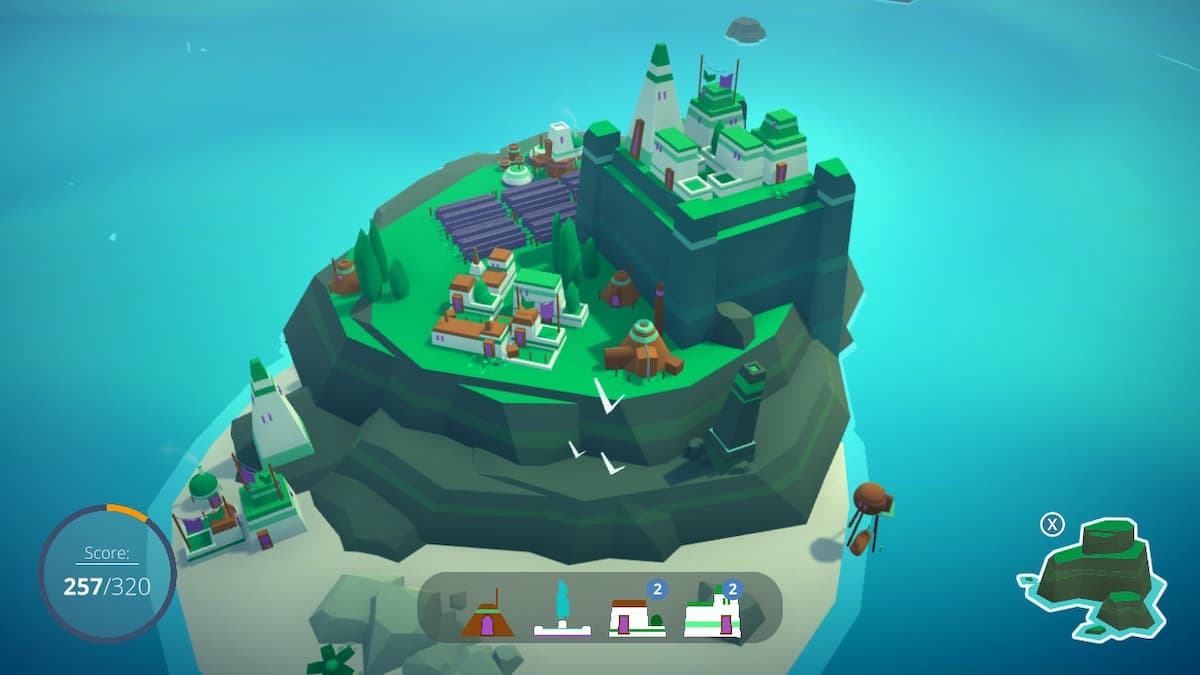
Surviving the Aftermath – Post-Apocalyptic City Survival When civilization collapses, rebuilding isn’t about aesthetics—it’s survival. Surviving the Aftermath shifts the genre into harsh, resource-starved territory. You’re not building a utopia; you’re fighting toxic storms, food shortages, and angry survivors.
Set on a procedurally generated Earth after a global catastrophe, your goal is to house, feed, and protect colonists while unlocking technologies to restore normalcy.
What Makes It Stand Out
- Dynamic weather and climate threats (e.g., acid rain, heatwaves)
- Colony morale system—how you manage crises affects loyalty
- Exploration and scavenging mechanics that add RPG elements
The game thrives on tension. One bad decision—like building too close to a radiation zone—can trigger a chain reaction of evacuations and riots. It’s less about architectural beauty, more about crisis management.
Use case: Ideal for players who like city building with stakes. If you enjoy balancing risk and reward, this title delivers stress in the best way.
Frostpunk – The Moral City Builder
Frostpunk isn’t just a city builder—it’s a survival ethics simulator. You govern the last city on Earth during a new ice age. Every policy, from child labor laws to faith-based governance, alters your society’s path.
On PlayStation, the stark visual design and intense narrative make it one of the most immersive entries in the genre.
Core Mechanics to Master
- Heat radius management: Buildings must stay within range of the generator
- Law system: Enact policies that boost efficiency but may cause unrest
- Endgame scenarios: Can you save humanity without losing your soul?
Common mistake: Rushing into extreme laws too early. While 24/7 shifts boost production, they trigger protests if citizens are cold or hungry. Always monitor hope and discontent meters.
Frostpunk works because it forces hard choices. Do you exile dissenters or risk rebellion? Let children work or face labor shortages? The city’s survival often hinges on how far you’re willing to go.
Banished – Cozy, Challenging Settlement Sim
Banished feels like a hidden gem. No sprawling metropolises—just a small group of exiles trying to survive in the wilderness. The game strips away modern infrastructure, forcing you to focus on food, shelter, and population growth.
Available on PS4, it’s a slower, more deliberate take on city building.
Why It Resonates
- No combat or disasters—challenges come from poor planning
- Seasonal cycles impact farming and firewood needs
- Population loyalty tied directly to living conditions
- Example workflow:
- Clear trees for firewood and building materials
- Plant farms before winter
- Build homes before new families form
It’s easy to underestimate winter. New players often grow food in summer, then watch families starve when snow comes. Always stockpile at least two seasons’ worth of food.
Banished won’t impress with graphics, but its depth and realism make it a quiet masterpiece.
Other Strong Contenders on PlayStation
While not full city builders, these titles incorporate strong urban development elements:
| Game | City Building Element | Best For |
|---|---|---|
| The Sims 4 | Neighborhood design, zoning, public services | Creative expression, custom builds |
| RimWorld (via Steam Link) | Base layout, resource flow, colony survival | Story-driven management |
| Tropico 6 | Full island governance, city planning, politics | Satirical leadership, humor |
| Foundation | Organic town layout, road networks | Medieval urban flow |
| Planet Zoo (via streaming) | Enclosure planning, guest flow, facilities | Themed environment design |
Note: Tropico 6 is the only one with full native PlayStation support. Others require workarounds.
Controller vs. Mouse: Why It Matters
City building on console lives or dies by control scheme.
PC players use precise mouse drags to zone areas and tweak intersections. On PlayStation, developers must translate that into intuitive button mappings. The best games use:
- Snap-to-grid movement for building alignment
- Contextual radial menus to reduce menu diving
- Quick toggle keys for services (e.g., water, power)
Cities: Skylines and Frostpunk succeed here. Surviving the Aftermath stumbles slightly—menu navigation can feel clunky during emergencies.
Tip: Use controller sensitivity settings. Slightly faster camera movement helps during large-scale builds, but too fast makes precision work frustrating.
Avoid These Common Pitfalls
Even experienced players make mistakes on console:
- Overbuilding early – More isn’t always better. Start with essential services.
- Ignoring traffic flow – One congested road can paralyze your city. Use one-way systems and roundabouts.
- Neglecting education and healthcare – Uneducated citizens can’t work advanced jobs.
- Forgetting power and water range – Infrastructure has limited reach. Plan accordingly.
- Skipping save backups – Use manual saves before big projects or policy changes.
The console’s limited UI real estate means poor planning hits harder. Stay organized.
The Verdict: What to Play and When
| Game | Best For | Difficulty | Long-Term Replay |
|---|---|---|---|
| Cities: Skylines | Full-scale city design | Medium | High (with DLC) |
| Frostpunk | Narrative-driven crisis | Hard | Medium |
| Surviving the Aftermath | Survival tension | Medium-Hard | High |
| Banished | Minimalist challenge | Medium | Medium |
Choose Cities: Skylines if you want the full city building experience. Pick Frostpunk for emotional depth and moral stakes. Try Surviving the Aftermath if you like exploration and resource juggling. Go for Banished if you prefer quiet, thoughtful simulation.
Build Smarter, Not Just Bigger
City building on PlayStation isn’t about copying PC experiences. It’s about adapting them—streamlining complexity, rethinking controls, and focusing on what makes urban planning compelling: cause and effect, growth, and consequence.
The best games don’t just let you build—they make you feel responsible for every citizen, every power line, every decision.
Start small. Learn traffic patterns. Save often. And don’t be afraid to restart when a city collapses. Every failure teaches you how to build better.
Now power on your console and lay the first road. Your city is waiting.
FAQ
Can you play Cities: Skylines with a controller on PlayStation? Yes—Cities: Skylines on PS4 and PS5 is fully optimized for DualShock and DualSense controllers with radial menus and intuitive navigation.
Is Frostpunk suitable for casual players? It’s accessible but intense. The learning curve is steep, and failure is common. Better suited for players who enjoy challenge and storytelling.
Are there multiplayer city building games on PlayStation? No major multiplayer city builders exist on PlayStation. Most are single-player experiences focused on solo management.
Does Surviving the Aftermath have random events? Yes—storms, plagues, and refugee waves occur randomly, forcing adaptive strategies.
Can you mod games like Banished on PlayStation? No. Mod support is extremely limited on console. Most mods are PC-exclusive.
Is Tropico 6 a true city builder? Yes—Tropico 6 lets you design entire island cities, manage zoning, infrastructure, and economy, all with a satirical twist.
Which game has the best graphics for city building? Cities: Skylines and Frostpunk lead in visual quality, with detailed environments and dynamic lighting on PS5.
FAQ
What should you look for in Best City Building Games for PlayStation to Master Urban Design? Focus on relevance, practical value, and how well the solution matches real user intent.
Is Best City Building Games for PlayStation to Master Urban Design suitable for beginners? That depends on the workflow, but a clear step-by-step approach usually makes it easier to start.
How do you compare options around Best City Building Games for PlayStation to Master Urban Design? Compare features, trust signals, limitations, pricing, and ease of implementation.
What mistakes should you avoid? Avoid generic choices, weak validation, and decisions based only on marketing claims.
What is the next best step? Shortlist the most relevant options, validate them quickly, and refine from real-world results.



:max_bytes(150000):strip_icc():focal(749x0:751x2)/king-charles-III-state-visit-of-the-president-of-the-republic-of-south-africa-112222-4-806910a78d3444cf87ef8dcb828390e0.jpg)